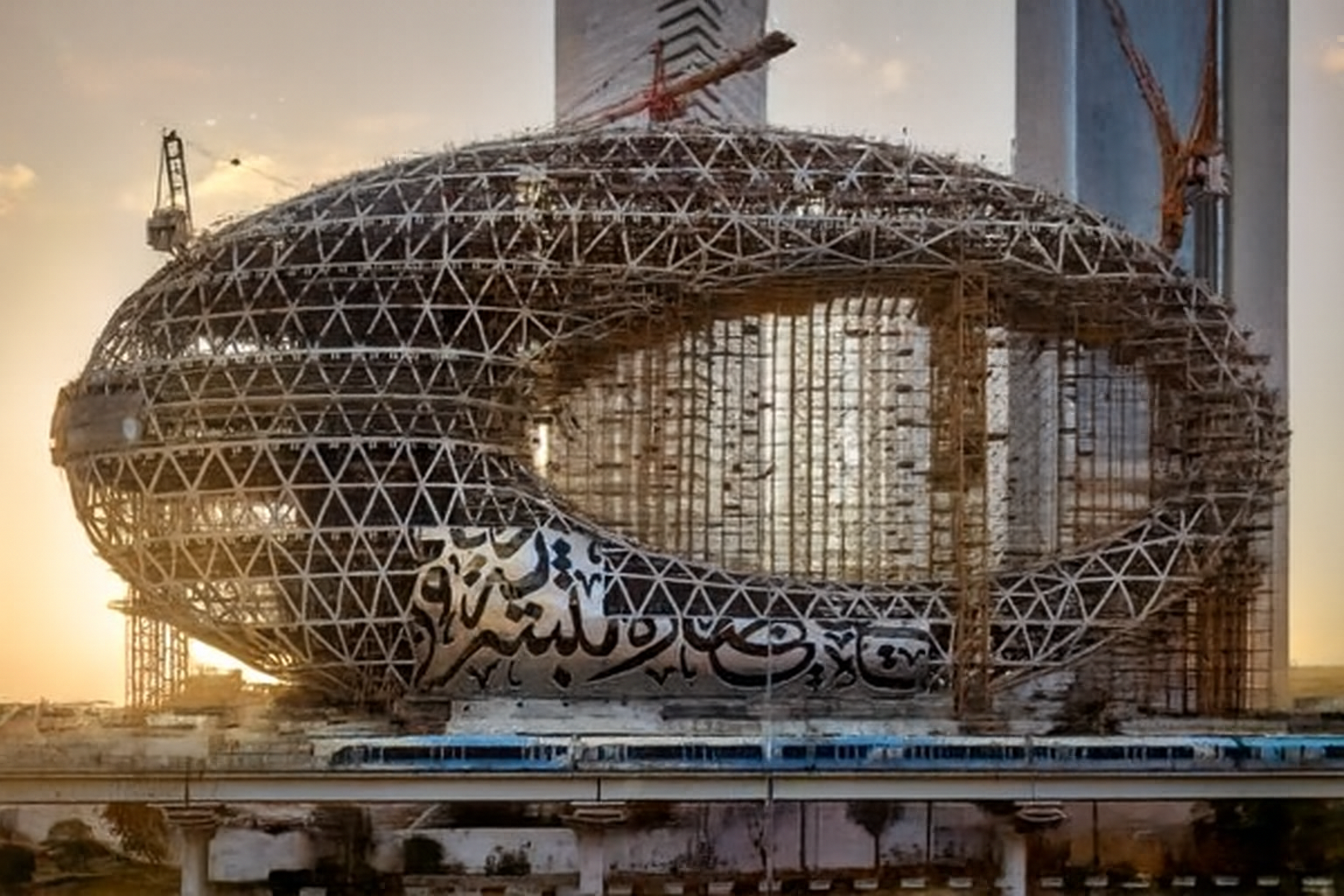
Our smart time-lapse cameras are installed on your site, automatically capturing high-resolution images at regular intervals.
Uploade All photos are securely uploaded to our cloud platform in real time, ensuring nothing is ever lost
The system automatically sorts images into a structured timeline, giving you a complete visual archive of your project.
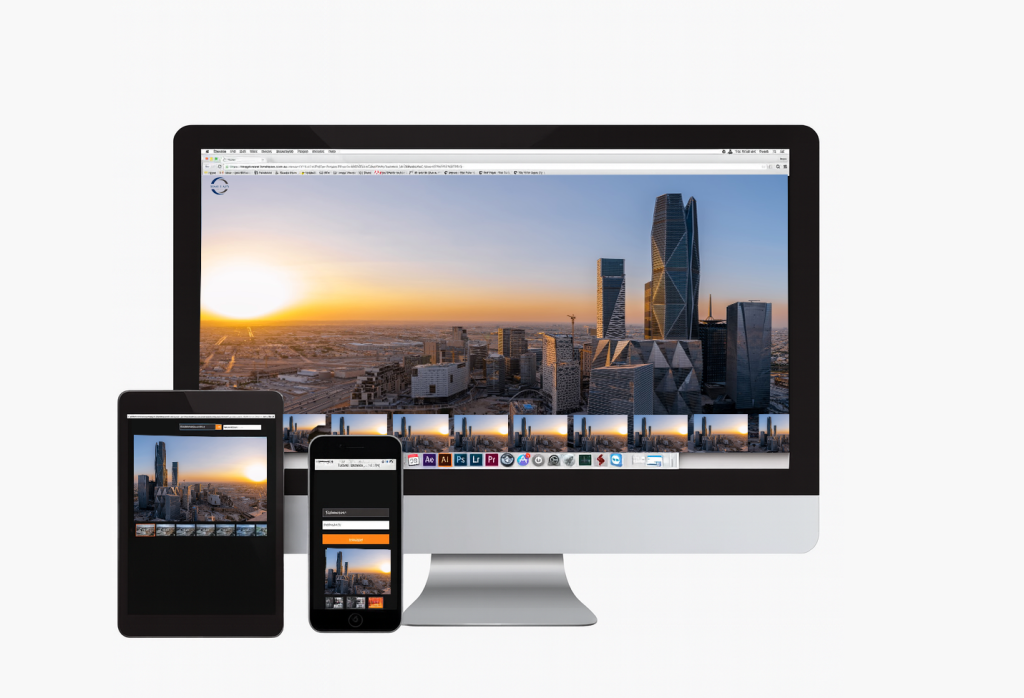
Simply log in from any device to explore your project history, track progress, and share updates with your team or clients.
Track Progress Over Time
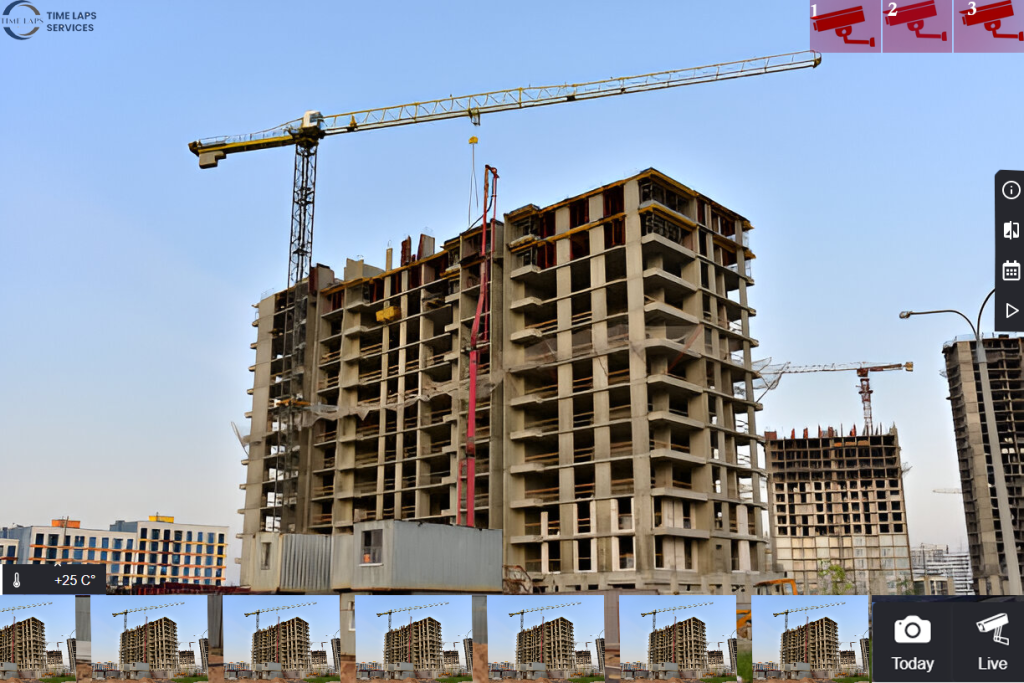
Stay in control of your project with a complete visual record from start to finish. Our platform automatically organizes every captured image into a chronological timeline, allowing you to Revisit any stage of construction with just a click Compare past and present views side by side to measure progress. Play back weeks or months of work in minutes using instant time-lapse videos Share updates easily with your team and clients, keeping everyone aligned. Whether you need a quick update or a detailed review, you’ll always have the full history of your project at your fingertips.
Create a Time-Lapse Video
Transform weeks or months of construction into a captivating video in just a few clicks. Our platform automatically compiles the captured images into smooth, professional time-lapse films that you can:
Customize — choose specific dates, angles, or project milestones.
Automate — let the system generate weekly or monthly time-lapse clips for you.
Showcase — share your videos on social media, websites, or client presentations.
Promote — use them at events, marketing campaigns, or handovers to impress stakeholders.
With our platform, your project progress doesn’t just get documented — it gets highlighted in a way that engages and inspires.
Unified Cameras Interface Integration
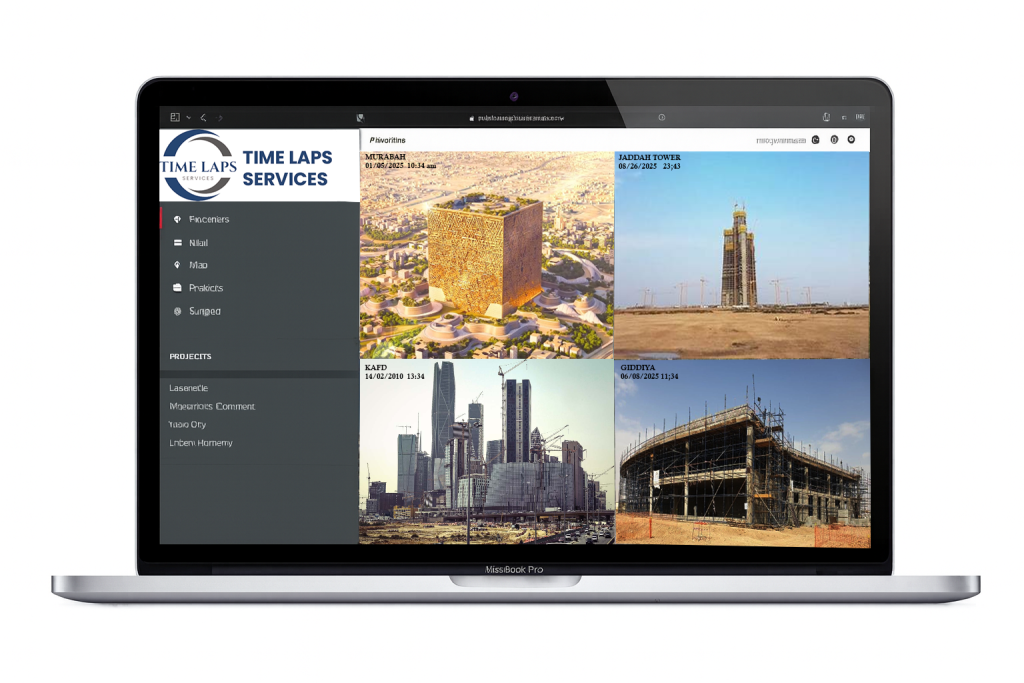
Manage all your cameras from a single, user-friendly dashboard. Our platform integrates multiple camera feeds into one unified interface, giving you complete control and visibility without switching between systems.
With this feature, you can:
Monitor multiple sites or camera angles at once.
Easily switch views with a single click.
Access live feeds and archives from all cameras in one place.
Simplify management by avoiding the need for multiple logins or separate tools.
This integration ensures a seamless monitoring experience, keeping every camera — and every project — connected under one platform.
Stage Comparison
Understand your project’s progress at a glance. With our Stage Comparison tool, you can:
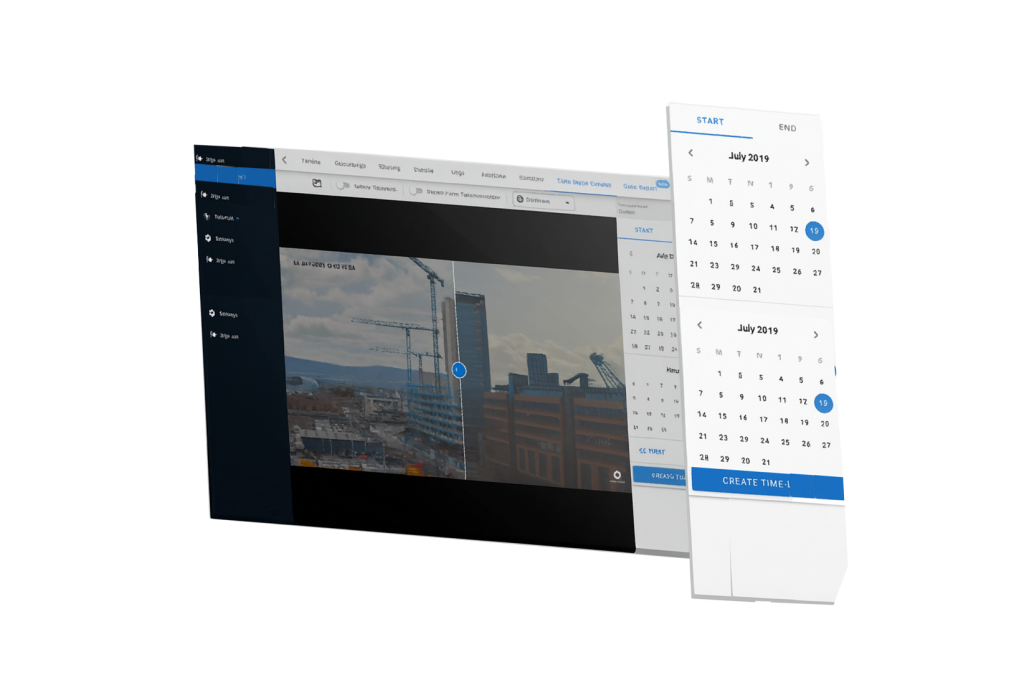
Select two different dates from the project timeline.
Instantly view before-and-after images side by side.
Highlight key milestones and transformations throughout construction.
Share comparisons with clients to demonstrate clear progress and build confidence.
This powerful feature makes it easy to track changes, verify work, and showcase achievements at every stage of the project.